
Camera app · Android
One Camera: Manual, RAW & Film
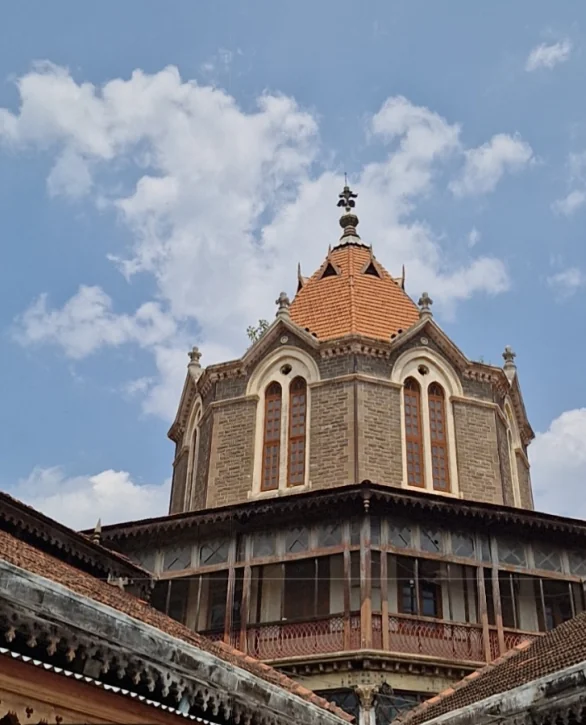
Film looks you see live in the viewfinder, manual dials, RAW and 4K video.
- Free to use; Pro is one payment
- No account, nothing uploaded
- In 11 languages
Issue 01Oct 2026Manual camera app for Android
Eighteen film looks you see live before you shoot. ISO, shutter, focus and white balance on real dials. RAW, 4K, and nothing uploaded anywhere. Pick a look, frame your shot, shoot.
 Free to use. Pro: pay once, or one ad for six hours.

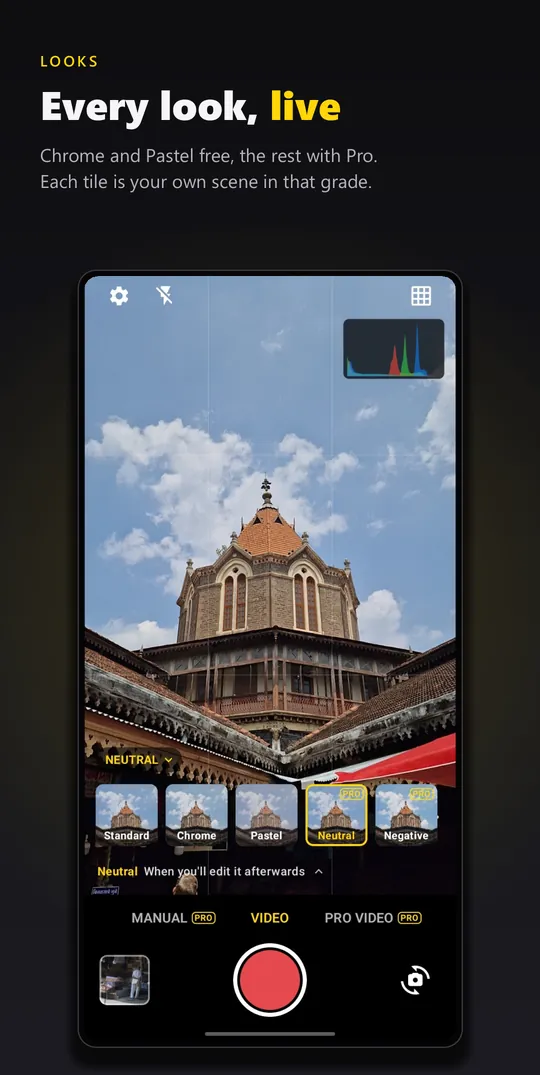
The look row, straight from the app. Tap the chip in the viewfinder and every tile shows your own scene in that grade. The one you pick is written into the photo or video as you shoot, not laid over it afterwards.
All 18 looksNamed like film, used like film: choose before you shoot, and live with it. Two are free. In video the looks hold from telephoto to the 0.6x ultrawide.
Which look for this shot?
Chrome and Pastel are free. The other sixteen come with Pro, which is a one-time purchase, or one short ad unlocks everything for six hours. Which look for which light →
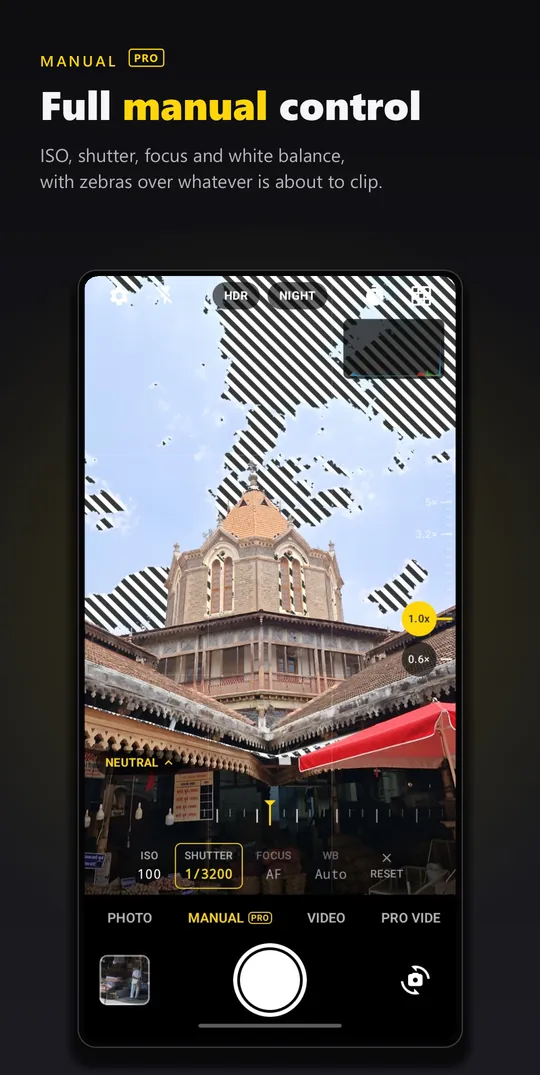
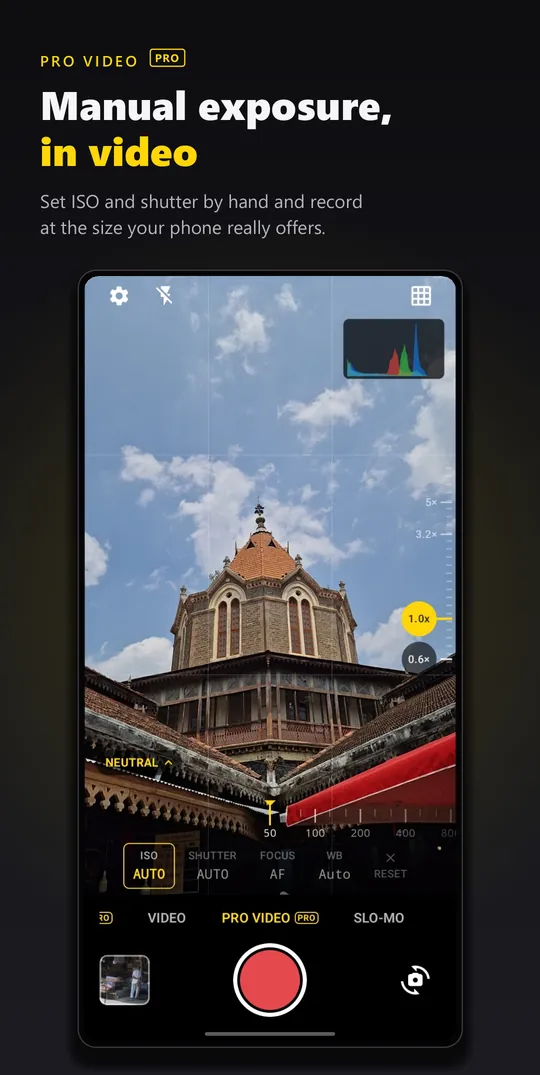
One Camera puts the monitoring tools from dedicated cameras on your phone. Drag the dial to change the exposure, then switch the tools on and off.
All three are in Settings, under Monitoring, and come with Pro. New to manual exposure? Read manual camera settings explained or the pro mode cheat sheet.
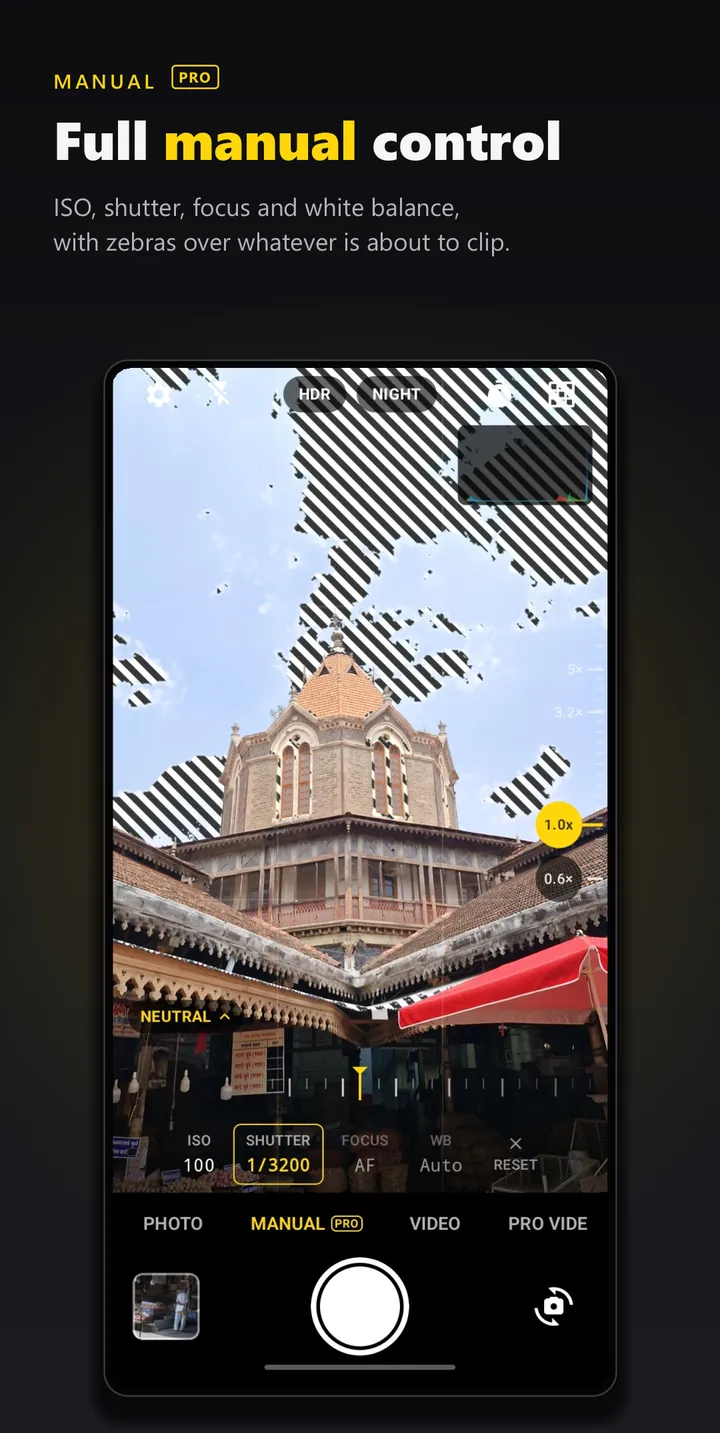
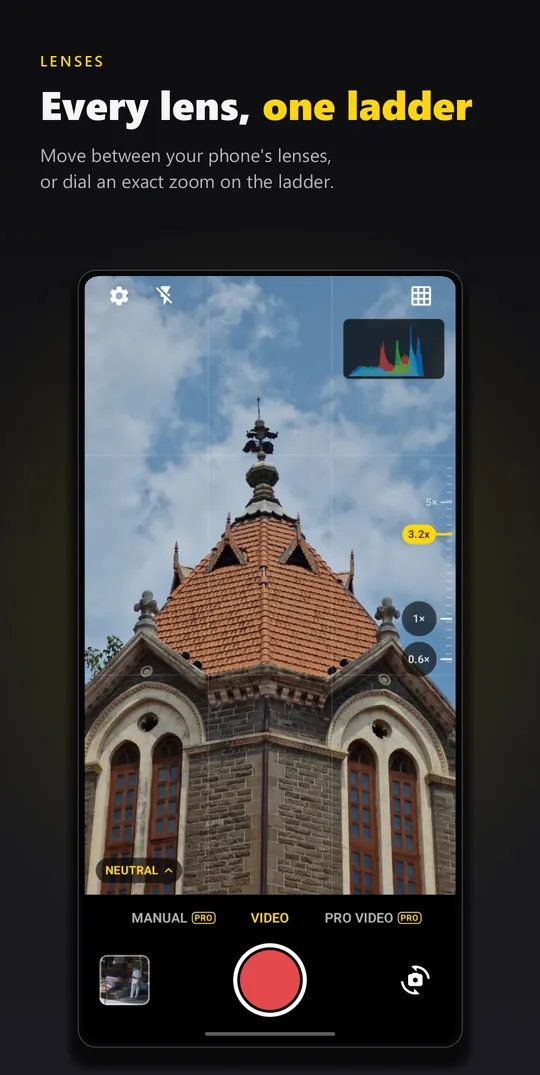
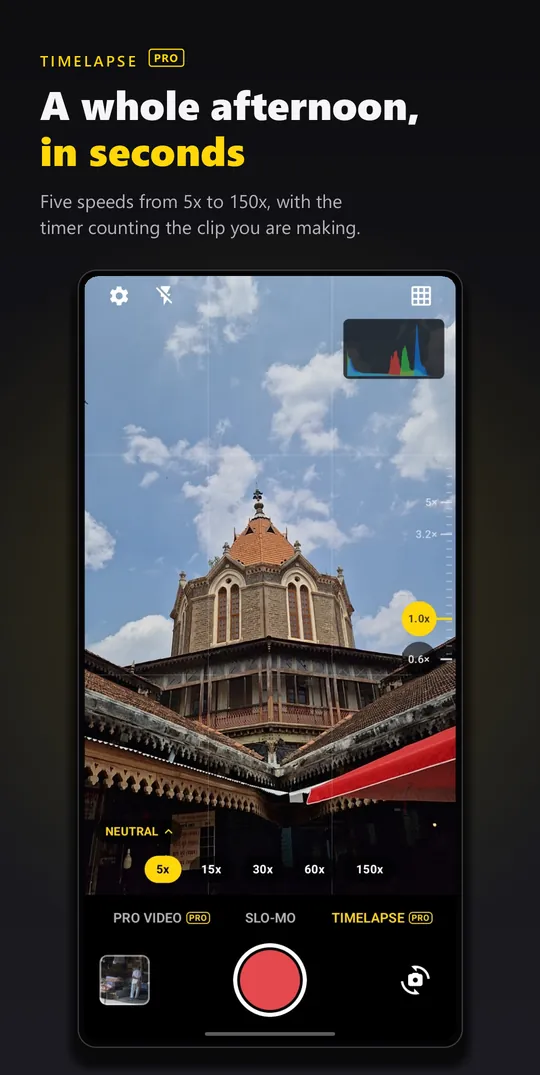
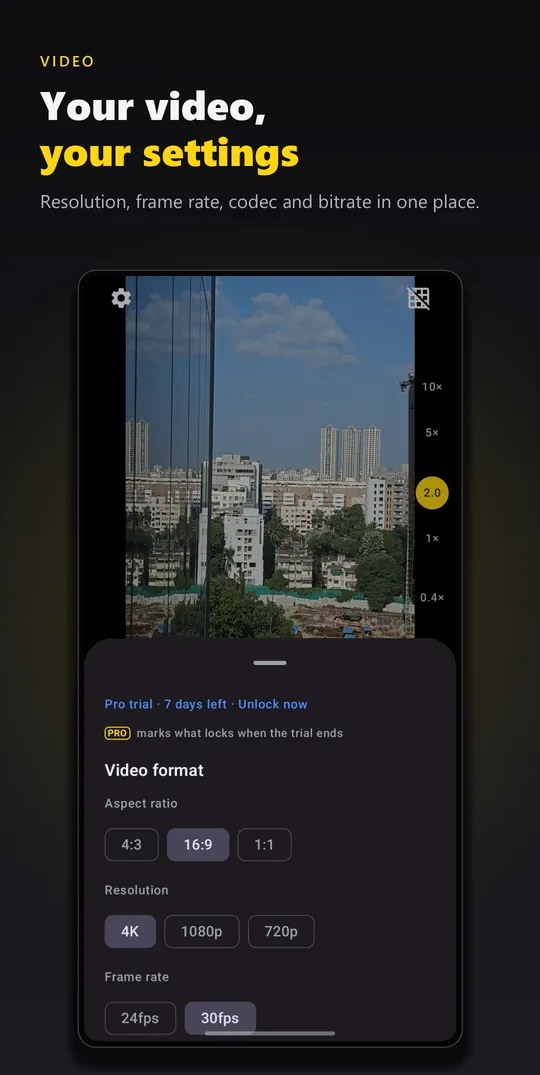
No mock-ups. These are the screens you'll use, as they are on Google Play.
| Feature | Free | Pro |
|---|---|---|
| Photo and video up to 4K Tap to focus, exposure slider, AE/AWB lock | Yes | Yes |
| Film looks | Chrome, Pastel | All 18 |
| Manual dials ISO, shutter, focus, white balance | — | Yes |
| RAW (DNG) alongside JPEG | — | Yes |
| Neutral and Flat profiles No sharpening or denoise; room to grade | — | Yes |
| 10-bit HDR video (HLG) | — | Where your phone allows |
| Timelapse 5x, 15x, 30x, 60x, 150x | — | Yes |
| Monitoring Focus peaking, zebras, per-channel histogram | — | Yes |
| Pause and resume recording, photo while recording One clip, no gap | Yes | Yes |
| Every lens, slow motion, HDR and Night modes, horizon level, 11 languages | Yes | Yes |
ONE CAMERA · GOOGLE PLAY
PAID ONCETHANK YOU · GO SHOOT
Your phone decides the ranges: One Camera asks what each lens supports and shows only that. Check before you buy with the free version, or with one ad's worth of Pro. Everything about Pro.
Most camera pages list features. This one starts with what's missing, because that's the point.
Plain-language guides for the camera in your pocket. Twenty-one in English, the first three in Hindi.
Starting settings for daylight, sunsets, rain, portraits, concerts, the moon and the stars.
Better photosSoft highlights, lifted shadows, colour and grain: in the camera or in an editor.
SettingsWhat ISO, shutter speed, white balance and focus do, with starting settings for common scenes.
Better photosCheck support, turn RAW on, and edit DNG files so they're worth the space.
Better photosNight mode, manual settings, and tips for city lights, the moon and the stars.
SettingsWhat each lens is for, and why your 3x shot isn't always the 3x lens.
Pro toolsHow to read each monitoring tool, and use all three to nail focus and exposure.
हिंदीISO, शटर स्पीड, व्हाइट बैलेंस और फ़ोकस: हर सेटिंग क्या करती है और कब बदलें।
Also read: Turn off oversharpening · Turn off Samsung's AI processing · HDR vs Night mode · Check your phone's Camera2 support · Flat and HDR video · Timelapse · Photo apps with no AI scanning
No. One Camera Pro is a one-time purchase, not a subscription, and anything added to Pro later is included. Google Play shows the price in your currency before you buy. If you are not ready to buy, one short ad unlocks every Pro feature for six hours. Everything about Pro.
Camera hardware varies a lot between phones, and even between the lenses on one phone. One Camera asks yours what it supports and shows only that. Manual exposure, RAW, 4K, 10-bit video, higher frame rates and looks in video all depend on your device. The free version shows you which lenses and video modes you get before you spend anything.
Straight into your phone's normal camera folder, DCIM/Camera, next to shots from your built-in camera app. Filenames start with OC_.
No. You preview the look live in the viewfinder and the grade is written into the photo or video as it's captured.
Only if you ask for one. You can choose to watch a short ad for six hours of Pro. Everything free works without ever watching an ad, and once you buy Pro you never see one again.
Email blinqdroid@gmail.com with your phone model and Android version. It helps a lot with camera issues.
No. Your photos and videos never leave your device. There is no account, no sign-in and no analytics of its own.
Yes. One Camera Pro saves a RAW DNG file alongside the JPEG, on phones whose camera offers RAW to apps.
Yes. One Camera Pro includes focus peaking, zebras and a per-channel histogram, in Settings under Monitoring, alongside manual ISO, shutter speed, focus and white balance.
Yes. One Camera Pro records timelapse at 5x, 15x, 30x, 60x or 150x.
Eleven: English, French, German, Italian, Spanish, Portuguese, Turkish, Indonesian, Japanese, Korean and Traditional Chinese. One Camera follows your phone's language, or you can pick one in Settings.
Because of one optional ad. If you choose to watch an ad to unlock Pro for six hours, it comes from Google AdMob, and when it is requested Google's ad software receives device information to show and measure it: your advertising ID, an approximate location estimated from your IP address, the device model, views and taps on the ad, and ad diagnostics. That is what the Data safety section lists. Your photos and videos never leave your phone, and a location you choose to save in a photo is written only into that file. The privacy policy has the details.

Film looks, manual control, RAW and 4K video. Free to use; Pro is one payment.
Camera app · Android
Film looks you see live in the viewfinder, manual dials, RAW and 4K video.

Puzzle game · Android
Solve jigsaw, pipe and memory puzzles to bring a ruined island back to life.

Family puzzle game · Android
Jigsaw puzzles for kids and adults. Play solo, together, or race a clock.

Platform game · Android
Flip day into night with a lantern to find a way through. A fox's platformer.

Clipboard tool · Android
Your saved text in a side tab, one tap away in every app. Tap an item and it's pasted.

Daily word game · Android
Four words across, four down, sharing every letter. A new grid every day, the same for everyone.