Make something with One Camera
If you make photography or camera content, we'd like to help. You get One Camera Pro free, new film looks before anyone else, and the chance to design a look with us. No script, no fee, and you can say exactly what you think.
Join: email us Download the creator kit
What you get
- One Camera Pro, free, for good. Every film look, manual dials, RAW, 10-bit video, timelapse and the monitoring tools, with no ads.
- New looks first. Join our early-access testers on Google Play and get new looks and features before they're released.
- A look you design with us. From time to time we make a new look together with one creator. You bring the mood and the reference photos; we build it into the app. If it ships, you help name it, and the looks page credits you.
- Your own link. We make you a Google Play link with your name in it and tell you how many people installed through it.
- Codes for your audience. Ask, and we'll send a few Pro codes you can give away to your followers.
What we ask
- Make what you'd make anyway. A video, a Short, a photo walk, a carousel: your format, your words.
- Be honest. If something doesn't work on your phone, say so, and tell us.
- Say you got Pro free. A line in the video or description is enough. It's what India's ASCI and most other countries' advertising rules ask for.
- Use your link in the description, so we can tell you what your video did.
Ideas, if you want them
- One scene, eighteen looks. Point at one street, one face or one plate of food and swipe through the live look row. The look row is the thing nobody else has.
- Auto vs manual. Shoot the same scene on your phone's own camera and in One Camera with manual ISO and shutter. Explain what you changed and why.
- Rescue a sky with RAW. Shoot a bright sky in RAW, then pull the highlights back in an editor, side by side with the JPEG.
- Zebras, explained. Show the stripes appearing on a bright sky and dragging exposure down until they go. Ten seconds that teach something.
- A whole afternoon in ten seconds. A 150x timelapse of clouds, traffic or a sunset, with the phone propped on anything steady.
- One clip, no gap. Record, pause, move, resume, and play back one seamless clip. Then take a photo mid-recording.
- Film look, no editing. A photo walk where every shot is finished in the camera: pick a look, frame, shoot, post.
The creator kit
Real app screens and real output only. Use them in videos, thumbnails and posts about One Camera.
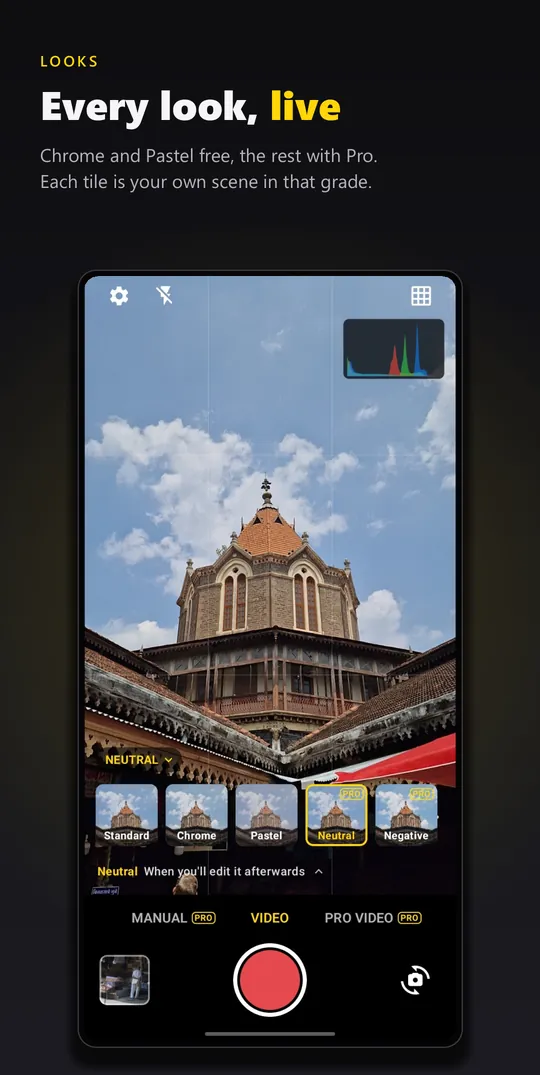
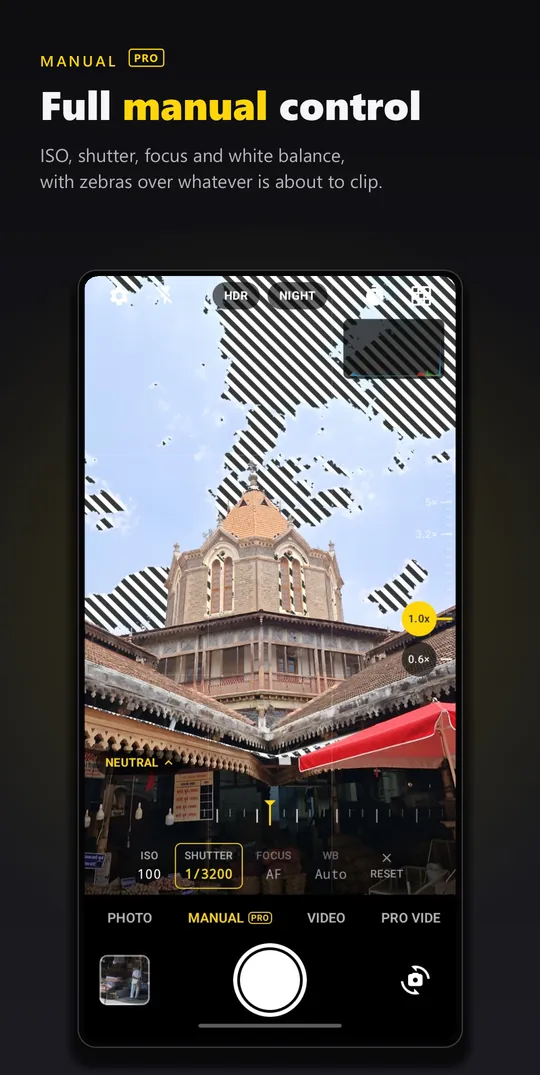
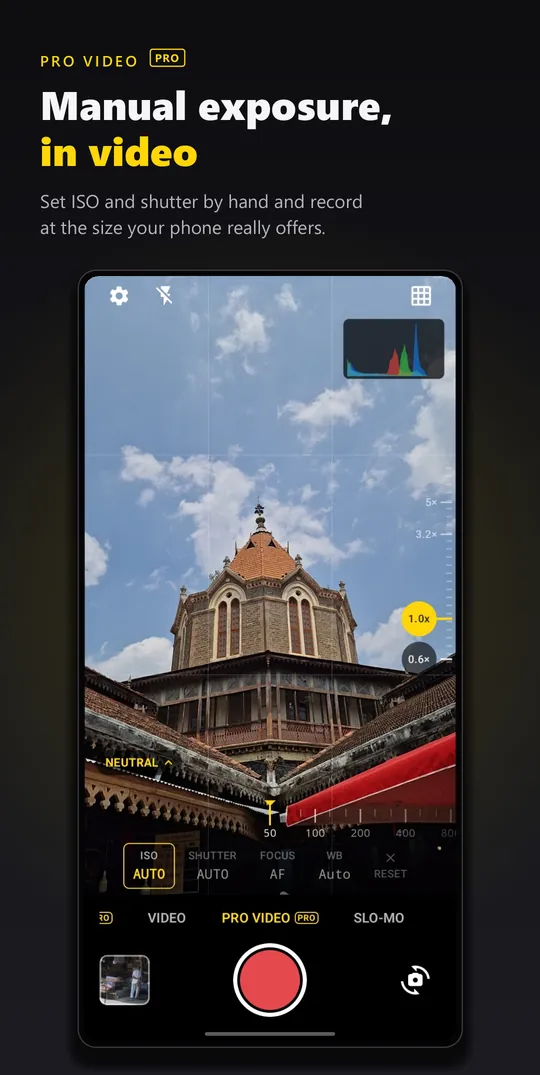
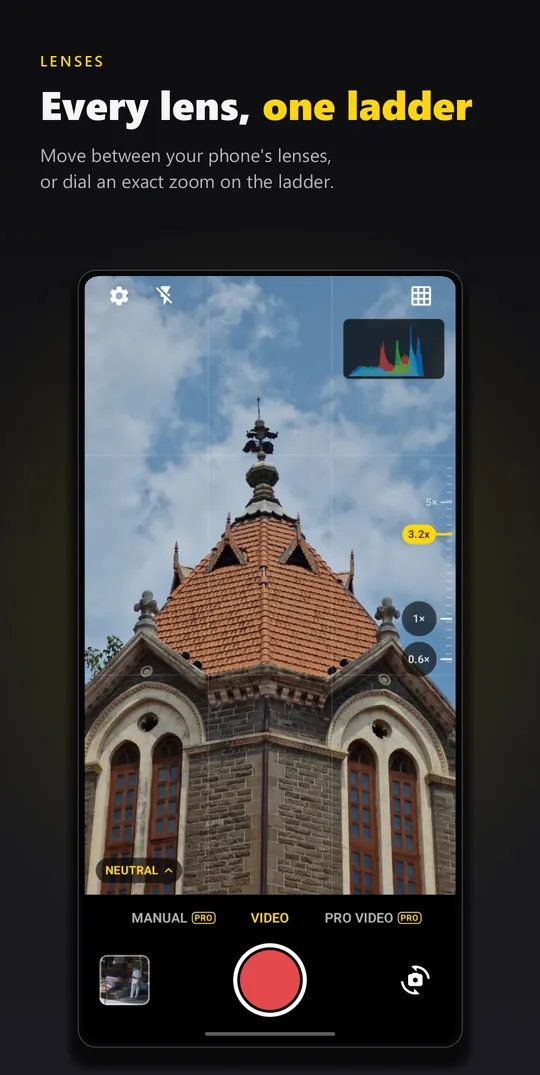
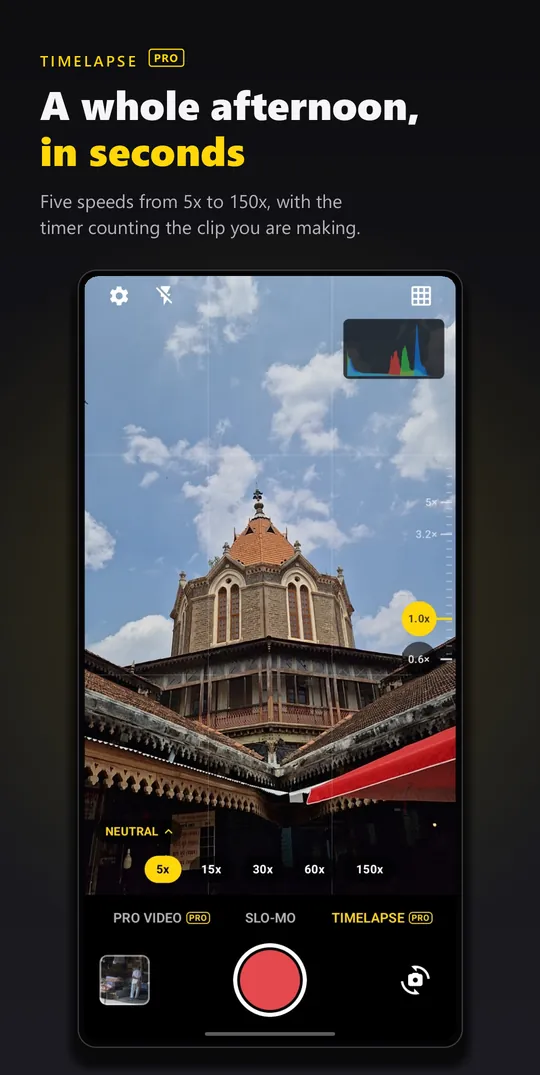
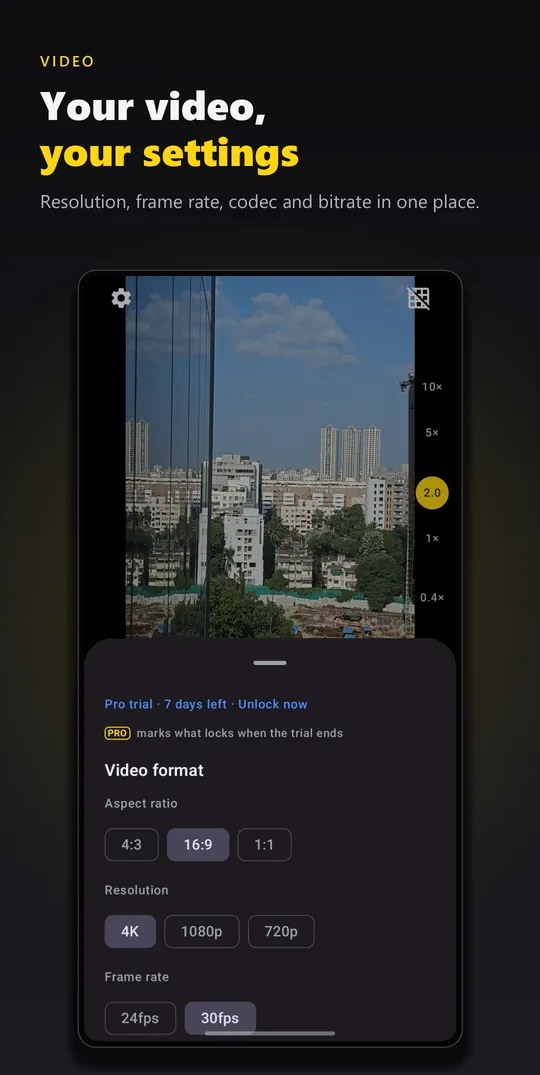
Download the kit (zip): six screenshots, the look row, a photo shot on One Camera, the app icon, the feature graphic, Blinq, and a fact sheet.
| App | One Camera: Manual, RAW & Film |
|---|---|
| Made by | Blinqdroid, a small independent studio in India |
| Platform | Android (Google Play) |
| Price | Free to use. Pro is a one-time purchase, not a subscription. One short ad unlocks Pro for six hours. |
| Film looks | 18 colour grades you see live in the viewfinder before you shoot; Chrome and Pastel are free |
| Manual | ISO, shutter speed, focus and white balance on real dials (Pro) |
| Files | RAW (DNG) alongside JPEG (Pro); photo and video up to 4K; 10-bit HLG video on supported phones (Pro) |
| Tools | Focus peaking, zebras, per-channel histogram, timelapse 5x to 150x (Pro); pause and resume recording, photo while recording, horizon level (free) |
| Privacy | Photos and videos never leave the phone. No account, no analytics of its own. |
| Languages | English, French, German, Italian, Spanish, Portuguese, Turkish, Indonesian, Japanese, Korean, Traditional Chinese |
| Links | blinqdroid.com · play.google.com/store/apps/details?id=com.blinqdroid.onecamera · youtube.com/@Blinqdroid |
How designing a look works
- Tell us the mood. Send three to five photos that feel right: film stocks, a place, a season, a light.
- We make a first version and send you a test build through Google Play testing.
- Shoot with it and tell us what's off. Usually two rounds of changes.
- It ships. You help choose the name, you get to post about it first, and the looks page credits you.
How to join
Email blinqdroid@gmail.com with your channel or profile, the language you make content in, the Android phone you use, and what you'd like to make. A person reads every email and replies.
Questions
Do I need a lot of followers?
No. If you make photography or camera content and post it regularly, you're welcome, even with under a thousand followers.
Do I have to say good things about the app?
No. Say what you think, including what you'd change. Honest videos help other photographers, and they help us fix things.
Is this paid?
No money changes hands in either direction. You get Pro free, early looks, and the chance to design a look with us.
Does it work on iPhone?
No. One Camera is Android only, and what it can do depends on each phone's camera: manual controls, RAW and 10-bit video appear only where the hardware allows them.
Do I have to tell my audience I got Pro for free?
Yes. Please mention it in the video or the description, for example "I got One Camera Pro free from the developer". Advertising rules in India (ASCI) and many other countries ask for it, and it keeps your audience's trust.
Can I use the screenshots and photos in the kit?
Yes, in videos, thumbnails and posts about One Camera. Please don't edit the screenshots to show features the app doesn't have.